Create T-Shirt Designs, Stickers & More With AI!
Turn your ideas into original artwork using AI, or upload designs you already have. Customize your creations, prepare transparent PNG files, and get your artwork ready for print-on-demand products.
Print-on-Demand Studio is currently in early access and opening to members soon — Free members will get the non-AI tools, Pro and Business the AI tools. Sign in to check access on your account.
Learn How to Get Started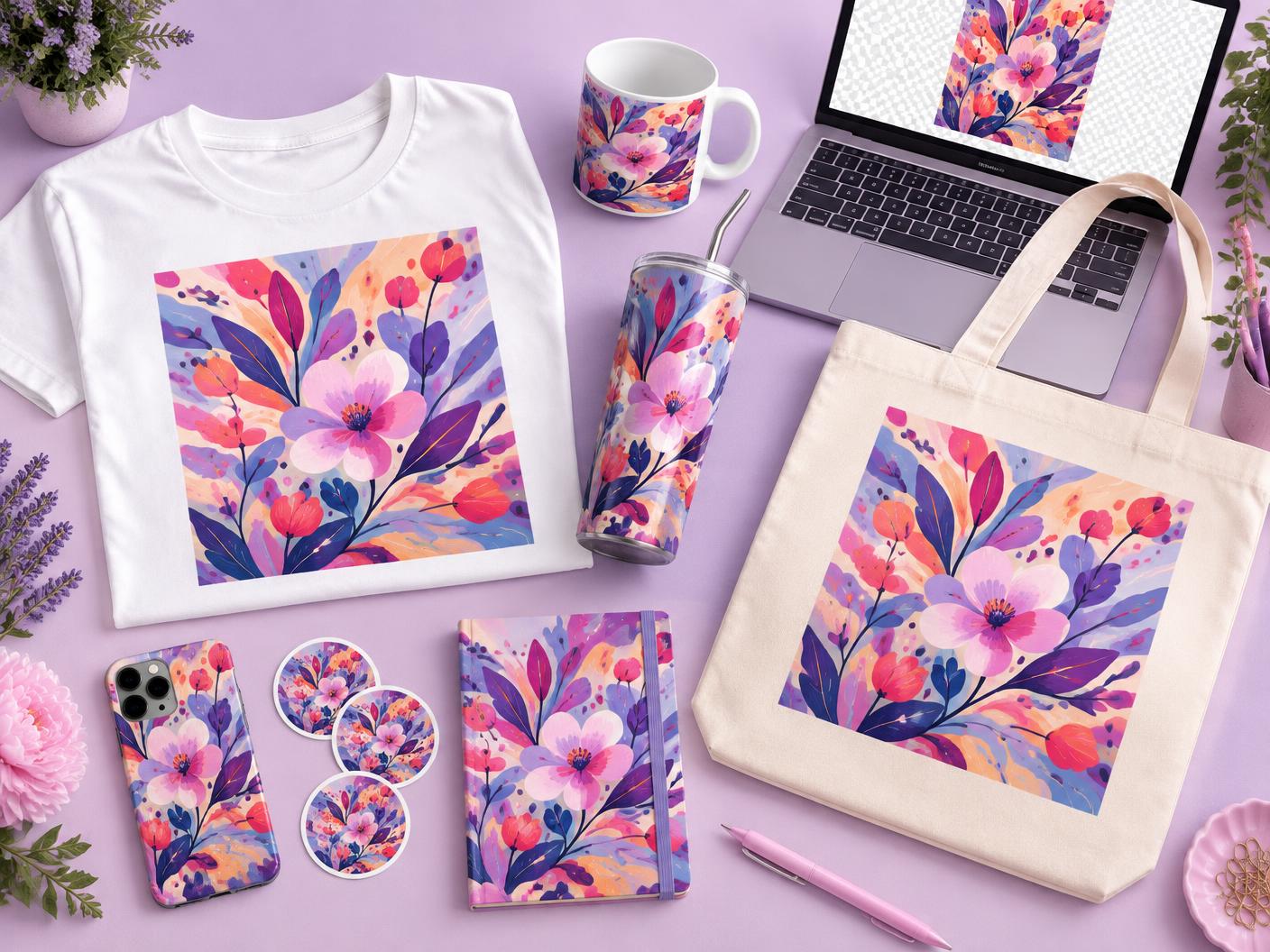
What Can You Prepare?
Product photos are illustrations. Presets are starting points — always confirm your provider's exact size.
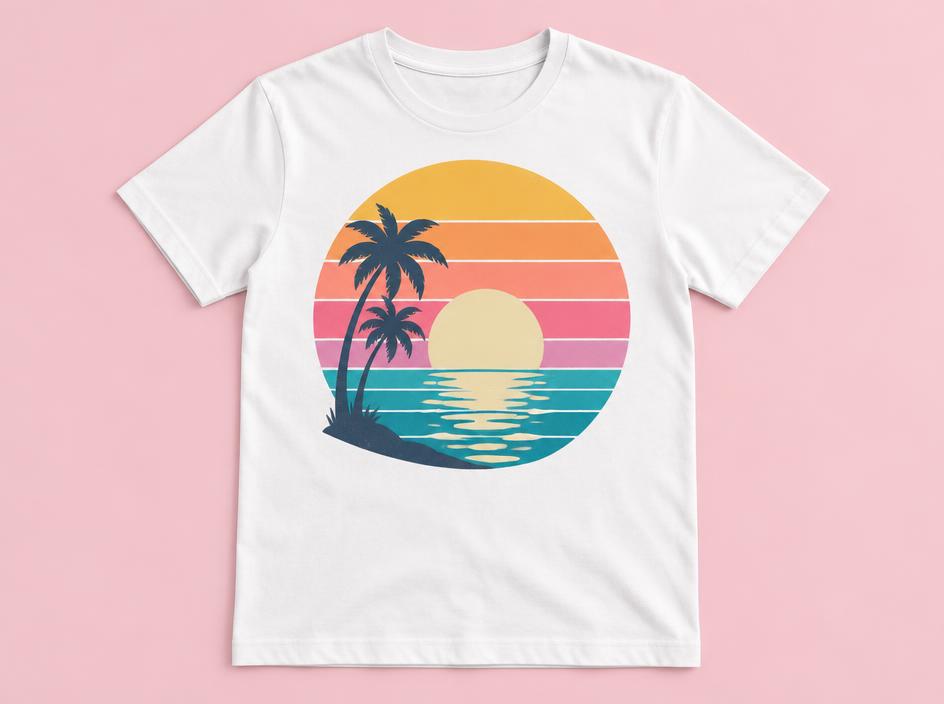
Front print area preset (12 × 16 in at 300 DPI) as a starting point.
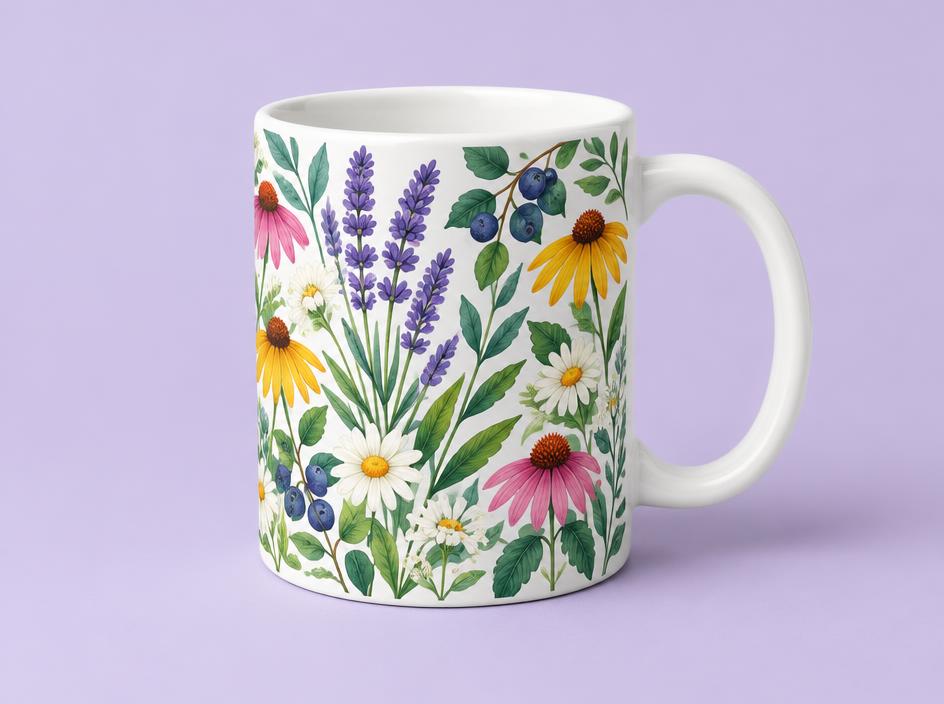
11 oz wrap preset — confirm your provider's exact wrap size.
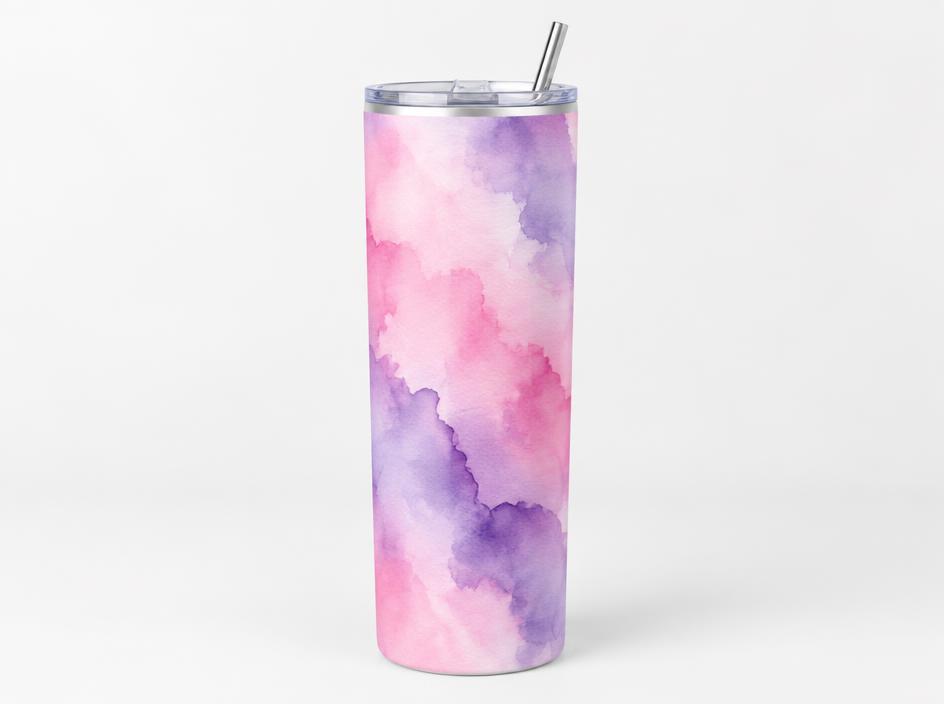
20 oz skinny tumbler wrap preset.
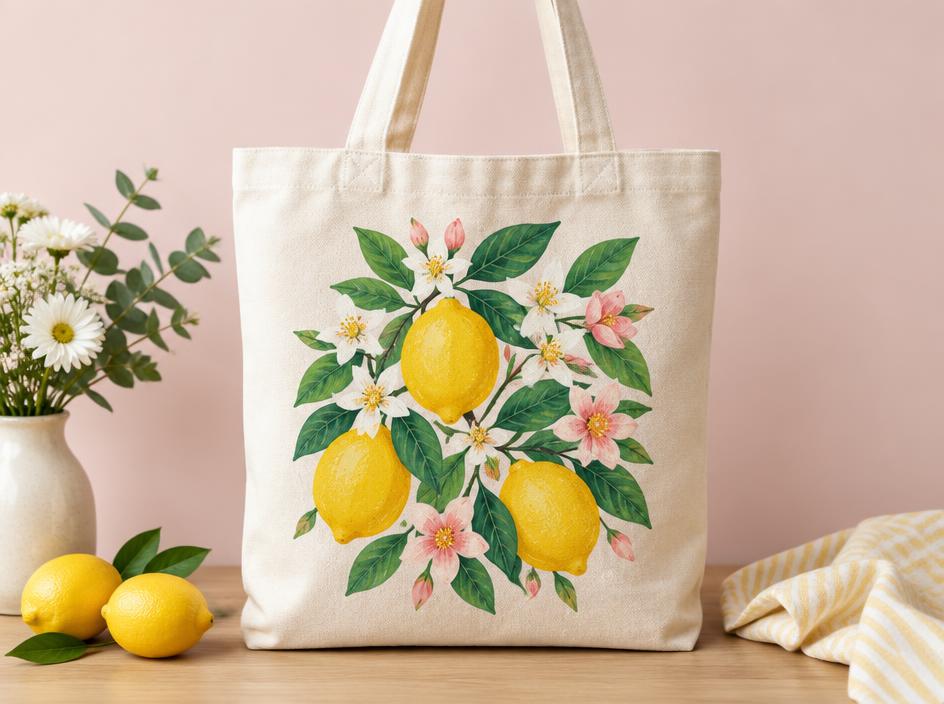
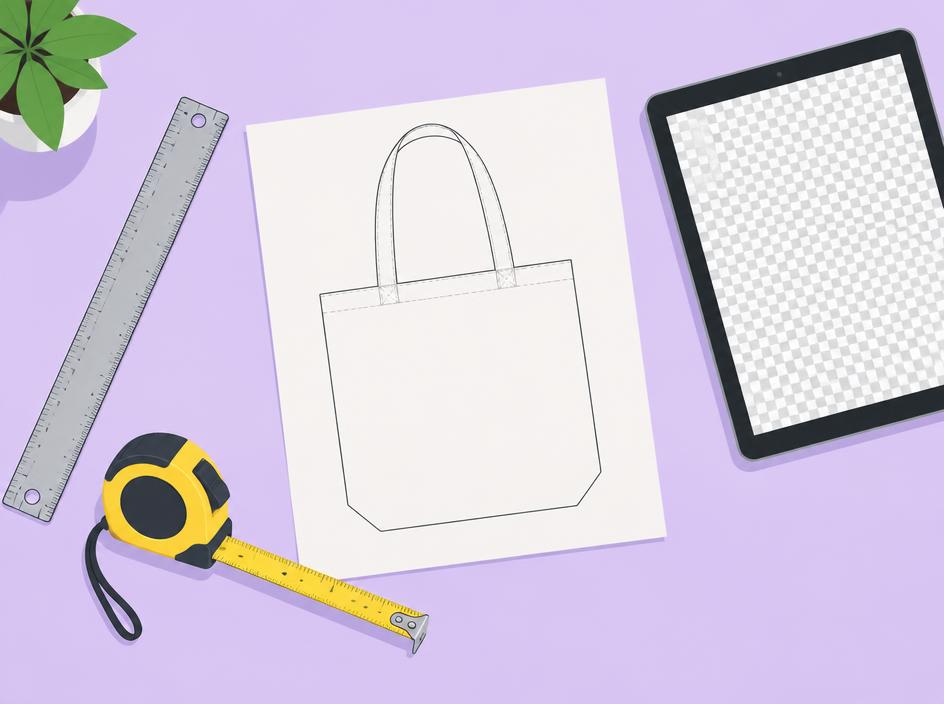
Square print area preset for canvas totes.
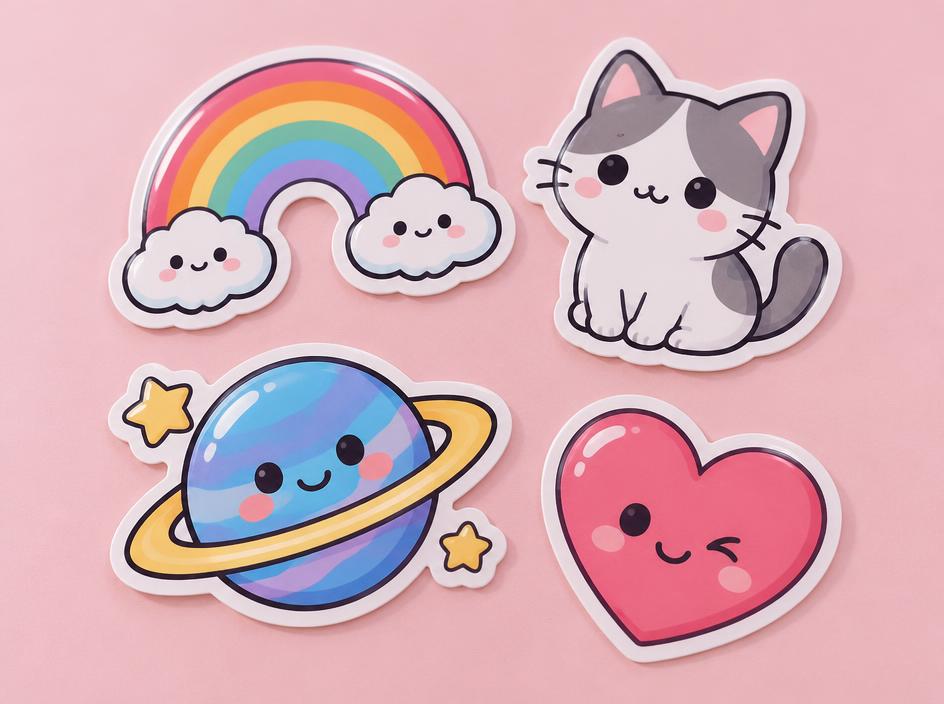
3 × 3 in kiss-cut preset with transparency check.
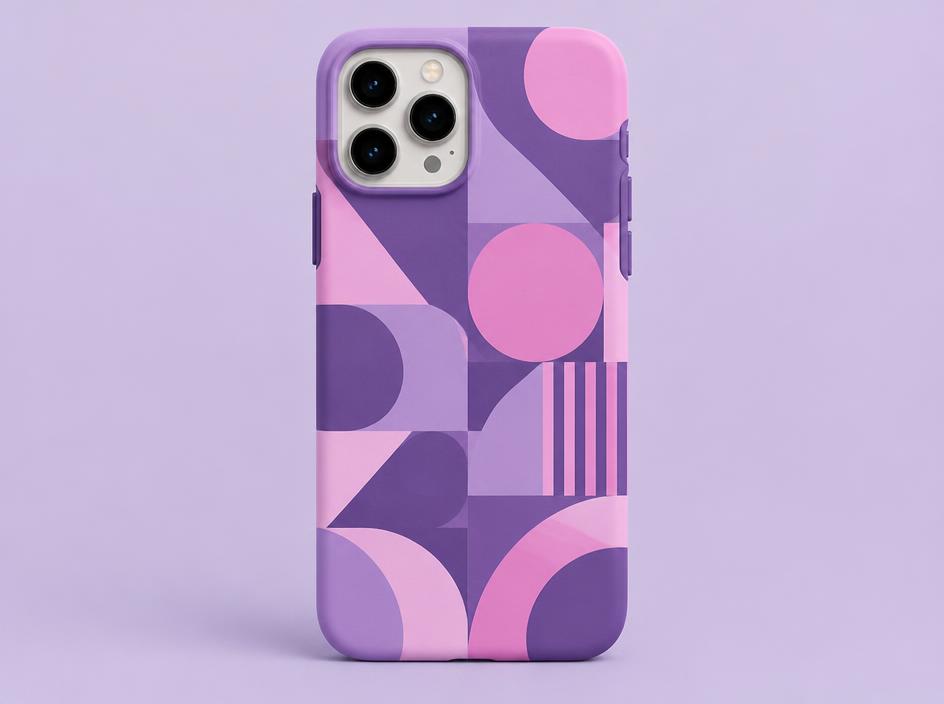
Starting preset — sizes vary by phone model.
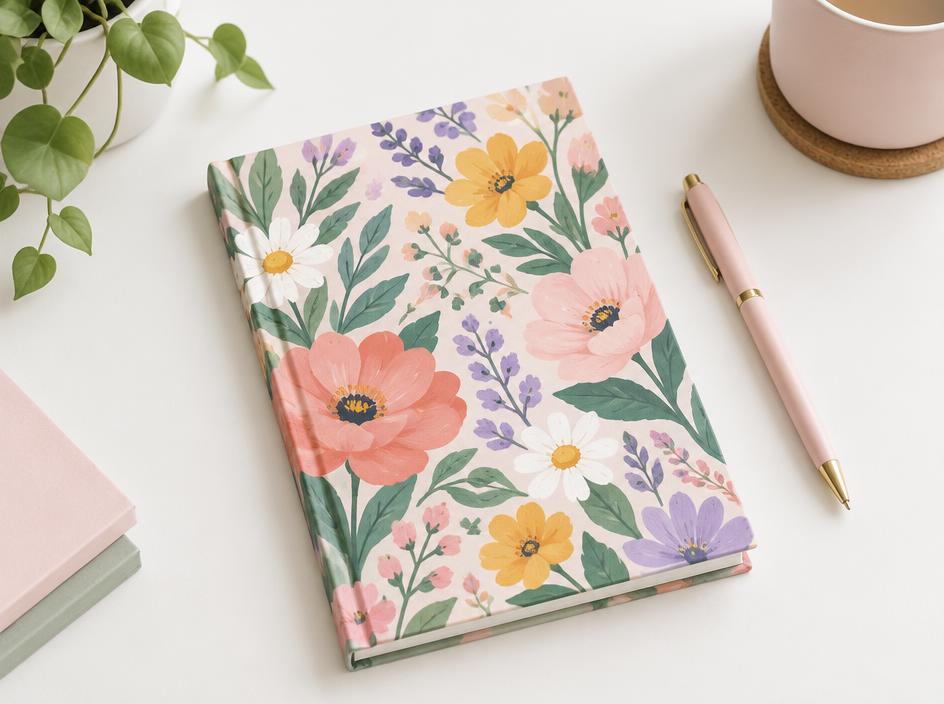
Half-letter cover preset.
Enter the exact width, height and DPI your provider lists.
How It Works
Create or Upload
Describe your design idea for AI generation, or upload your own artwork.
Customize and Prepare
Add editable text, select product sizes, check DPI, upscale if needed and remove backgrounds.
Download and Print
Export your transparent PNG and upload it to your selected print-on-demand provider.
Resizing doesn't add detail. A small image stretched onto a large canvas stays low resolution — that's why we show effective DPI from your image's real pixels.
Features
- AI design generation (2 shared credits per design)
- Editable text layers
- AI upscaling with transparency kept
- Save and reopen designs
- PNG, JPG and WebP uploads
- Product sizing presets
- Custom pixel and print dimensions
- Transparent PNG export
- Checkerboard transparency preview
- Effective DPI calculation
- Print-readiness warnings
- Optional AI background removal
- Original image is never overwritten
- Shared AI credit protection
Prepare Your Artwork for Print-on-Demand Selling
Get original artwork ready for products you plan to sell through platforms such as Etsy, Printify or your own online store.
PDF Genie AI isn't connected to these marketplaces and doesn't list or publish products for you. Results depend on your own products and marketing; we don't promise sales or profits.
Only upload artwork you own or are licensed to use. See our Terms of Service.
Pricing
50 shared AI credits per billing cycle.
300 shared AI credits per billing cycle.
Uploading, sizing, readiness checks and PNG exports don't use AI credits. AI design generation, background removal and upscaling use your shared AI allowance — it's not unlimited. The Free plan includes the non-AI preparation tools but no paid AI. PDF Genie AI prepares artwork; it doesn't publish products to Printify or Etsy for you.
Print-on-Demand Studio is currently in early access and opening to members soon — Free members will get the non-AI tools, Pro and Business the AI tools. Sign in to check access on your account.
FAQ
Can I upload my own T-shirt design?
Yes. Upload your own PNG, JPG or WebP artwork. Or, on Pro and Business, describe an idea and let AI create original artwork (2 shared credits per design).
Can I make a transparent PNG?
Yes. If your artwork already has transparency, it's kept in the export. You can also run the optional AI background remover to make one.
Does resizing improve image resolution?
No. Placing a small image on a large 300 DPI canvas doesn't add detail. We calculate effective DPI from your image's real pixels and warn you when it's too low for the chosen size.
Can I use the designs for Printify?
Yes, you can download a PNG and upload it to Printify or another provider yourself. PDF Genie AI isn't connected to these services and doesn't list or publish products for you. Always check your provider's exact size requirements.
Does background removal cost AI credits?
Yes. AI background removal uses your shared AI credits, and only when it actually runs. Uploading, sizing, checking and exporting don't use credits.
Do I need graphic design experience?
No. Pick a product, review the clear readiness checks and download. The tool is built to work on phones, iPads and computers.
Which subscription do I need?
Free covers uploading, sizing, checks, text and transparent PNG downloads. AI tools need Pro ($9/month, 50 shared AI credits) or Business ($29/month, 300 shared AI credits). See current availability below.
Can I use my prepared designs commercially?
You may sell products made from original artwork you own or have the rights to, subject to our Terms of Service. You're responsible for the rights to any artwork you upload.